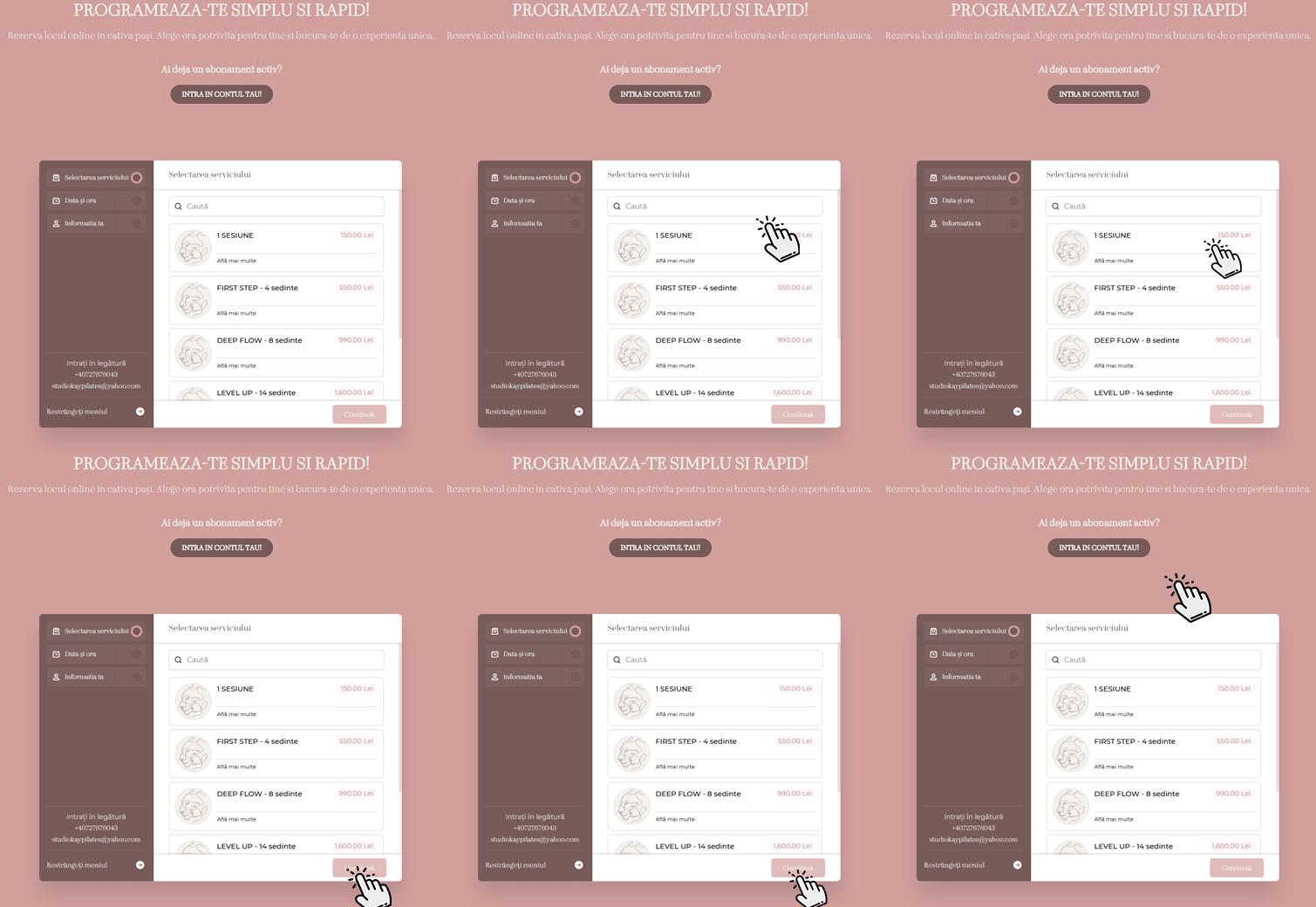
Do you want to schedule a Studio Kay service?
It’s simple and fast! Our online platform allows you to choose the service you want, the date and time that suits you, all in just a few clicks.
Here’s how to make a reservation:
1. Enter the PROGRAMMING page: https://studiokay.ro/en/program-eng/#programare
2. Choose a subscription / session
3. Press the CONTINUE button
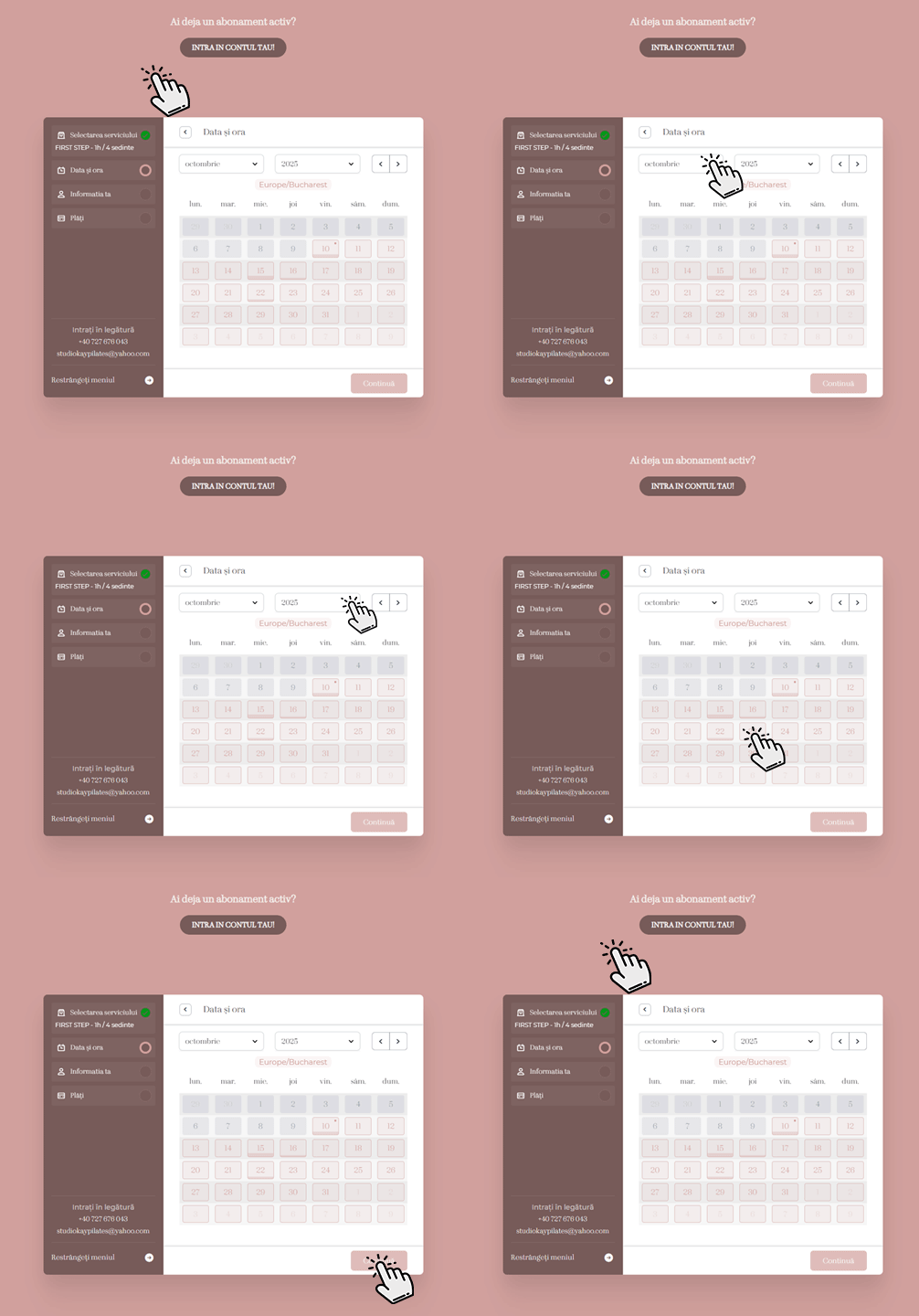
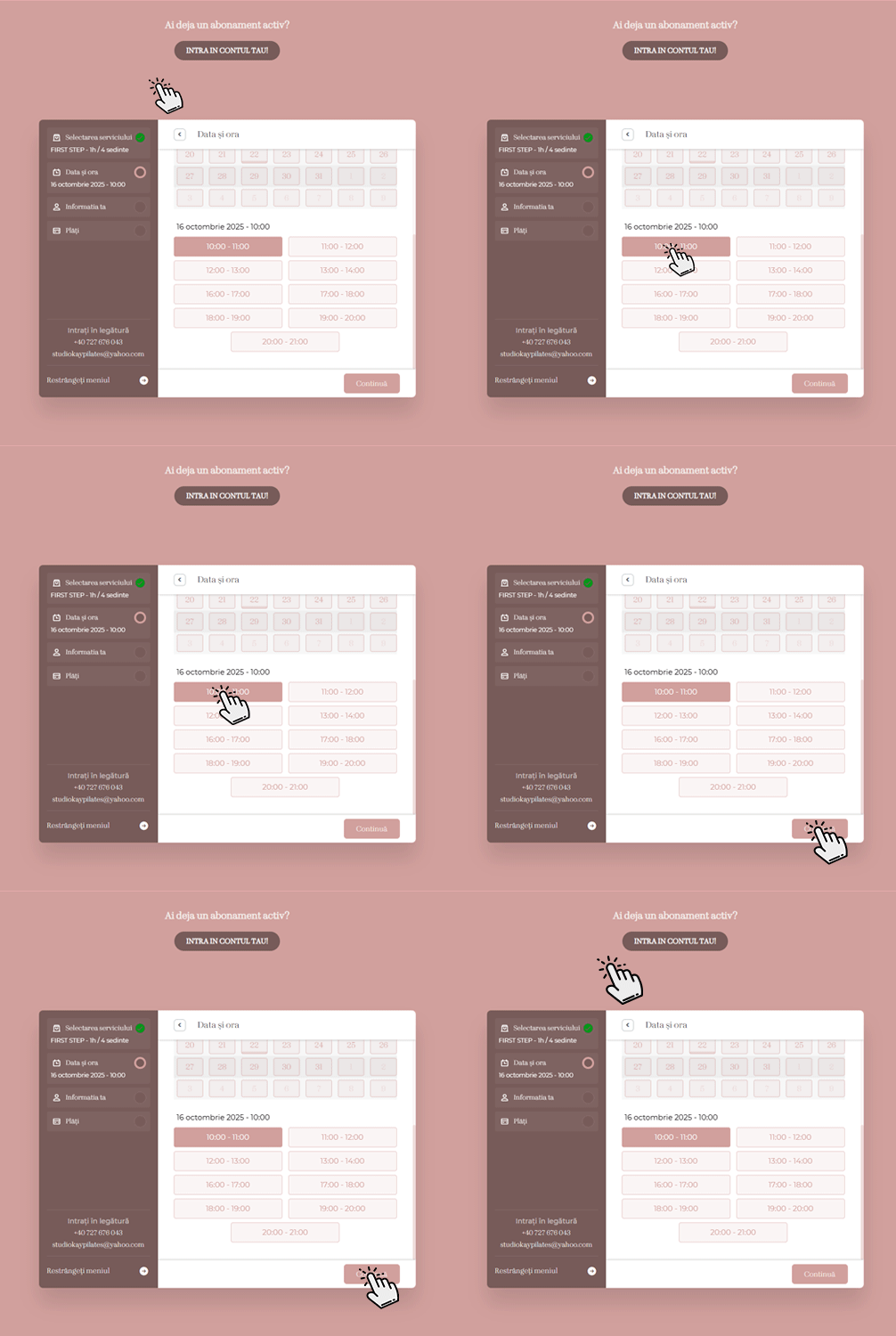
4. Choose the day then the desired time
5. Press the CONTINUE button
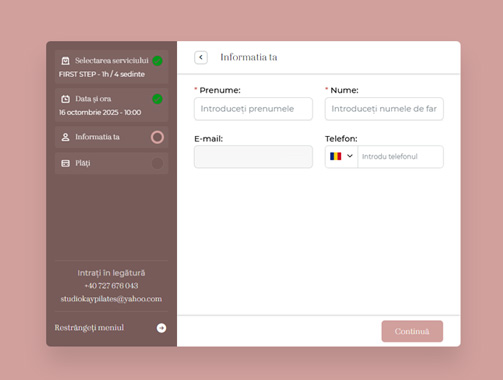
6. Enter the data, First name, Last name, Email address and Phone number.
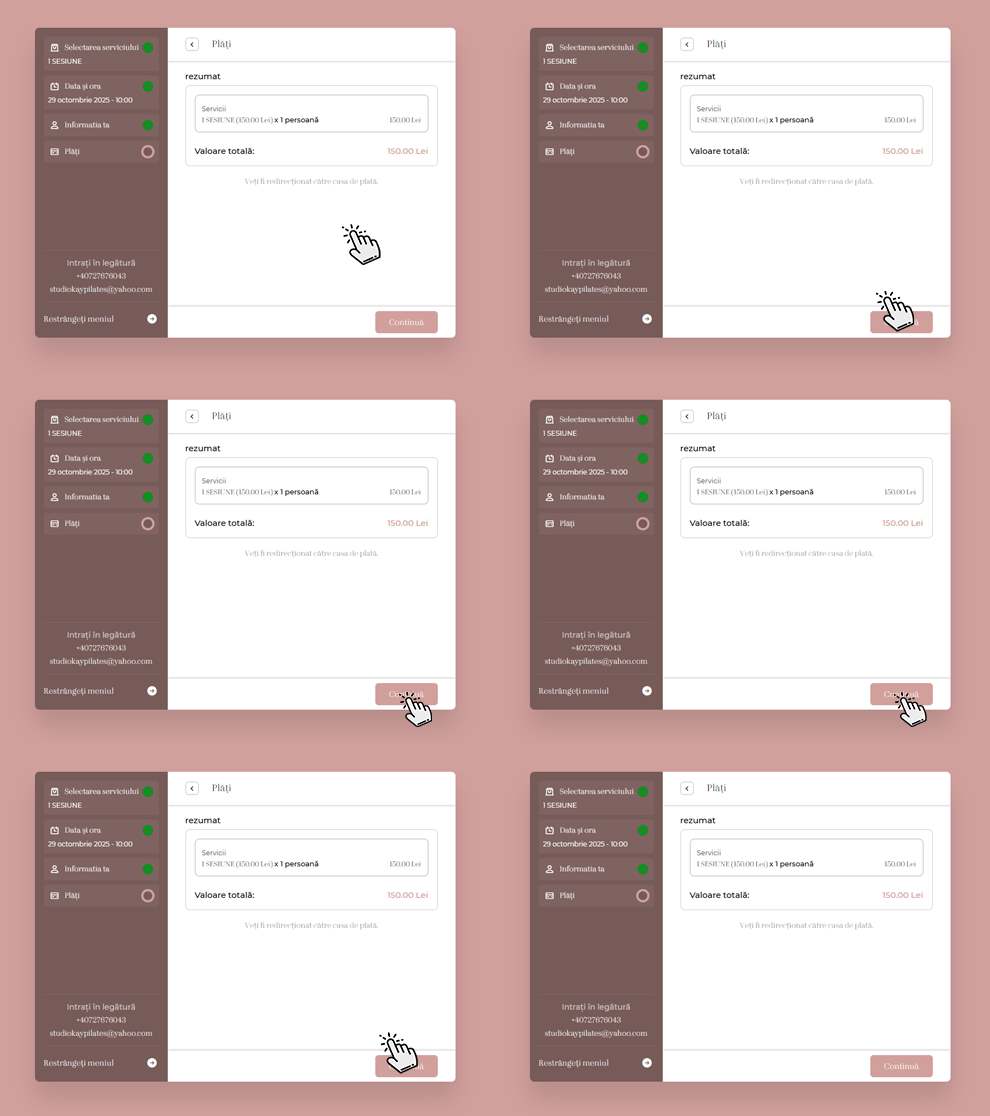
7. The order summary is displayed
8. Press the CONTINUE button
9. The message redirecting you to card payment is displayed.
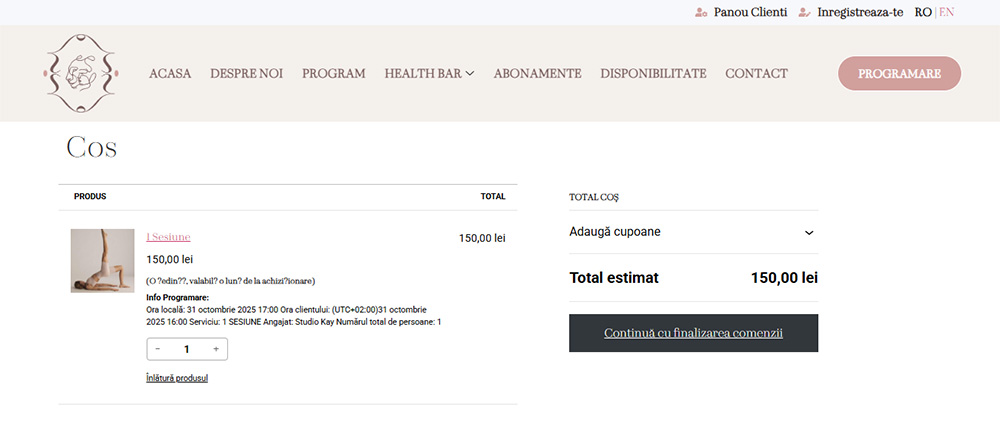
10. Click the “Continue to checkout” button
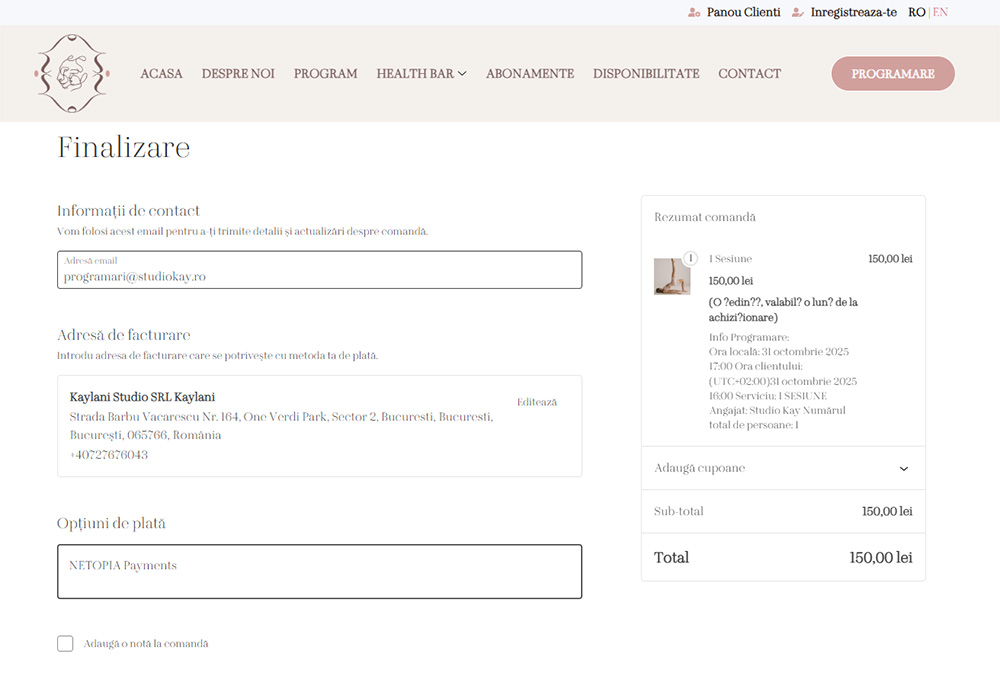
11. Enter your billing information and go to the page where you enter your card information.
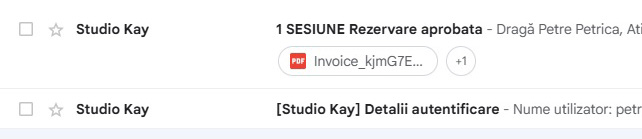
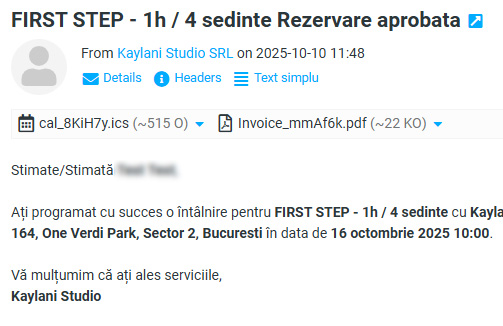
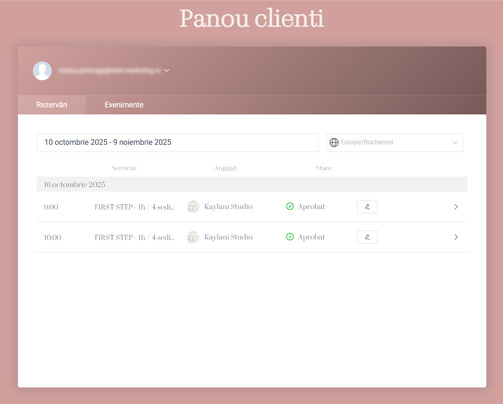
12. The user / customer will receive an email with the reservation details and an email with a password to access the Customer Panel, where they will be able to view their reservations, modify or cancel them.
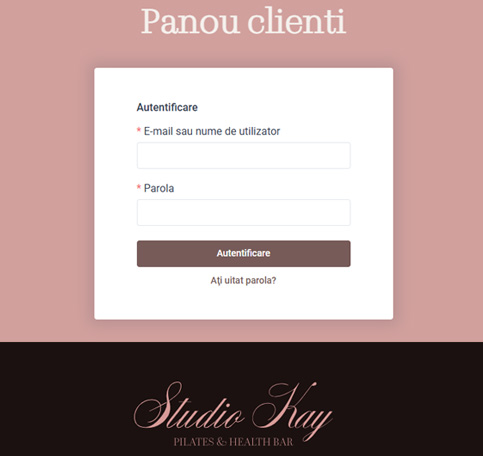
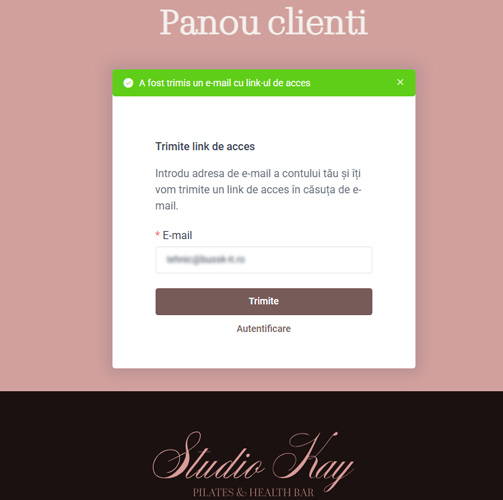
13. To view the reservations, the user will need to set a password to access the account: If they did not receive the link to add a password by email at the time of booking, they will need to access the customer page here: https://studiokay.ro/en/customer-panel/, where if
you have not set a password previously, you will press the “forgot password” button and on the e-mail address used for the reservation you will receive a link to reset the password. On the opened page you create a new password and together with the e-mail used you can log in to the client page where you will be able to see all the reservations made.